
Batch payments
CSV import with address, amount, memo and label columns. Give everyone the same amount, or split a total evenly to the zatoshi.
Send ZEC to multiple people in a single shielded transaction. Keep payment details private, review everything before signing, and send in one go.
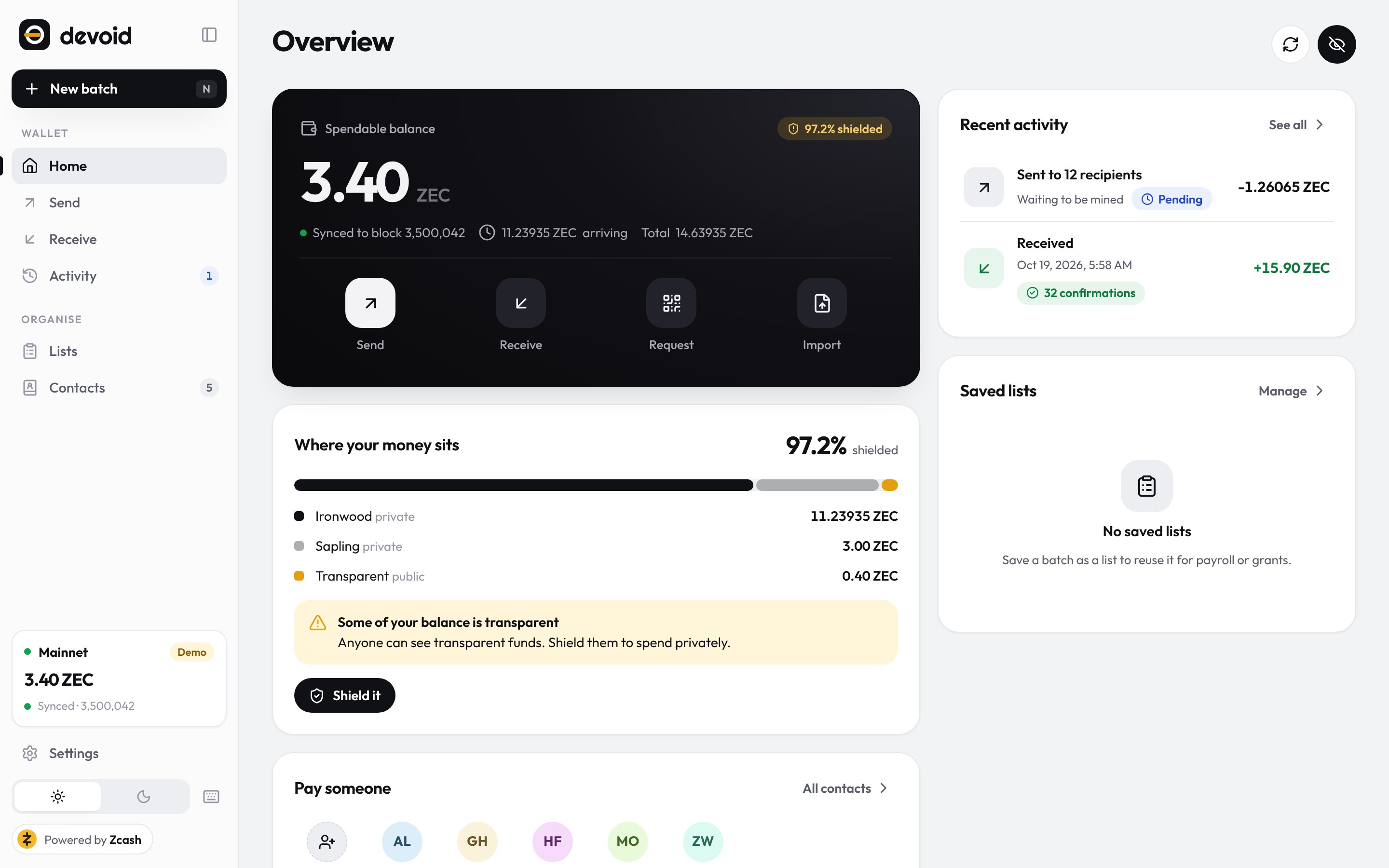
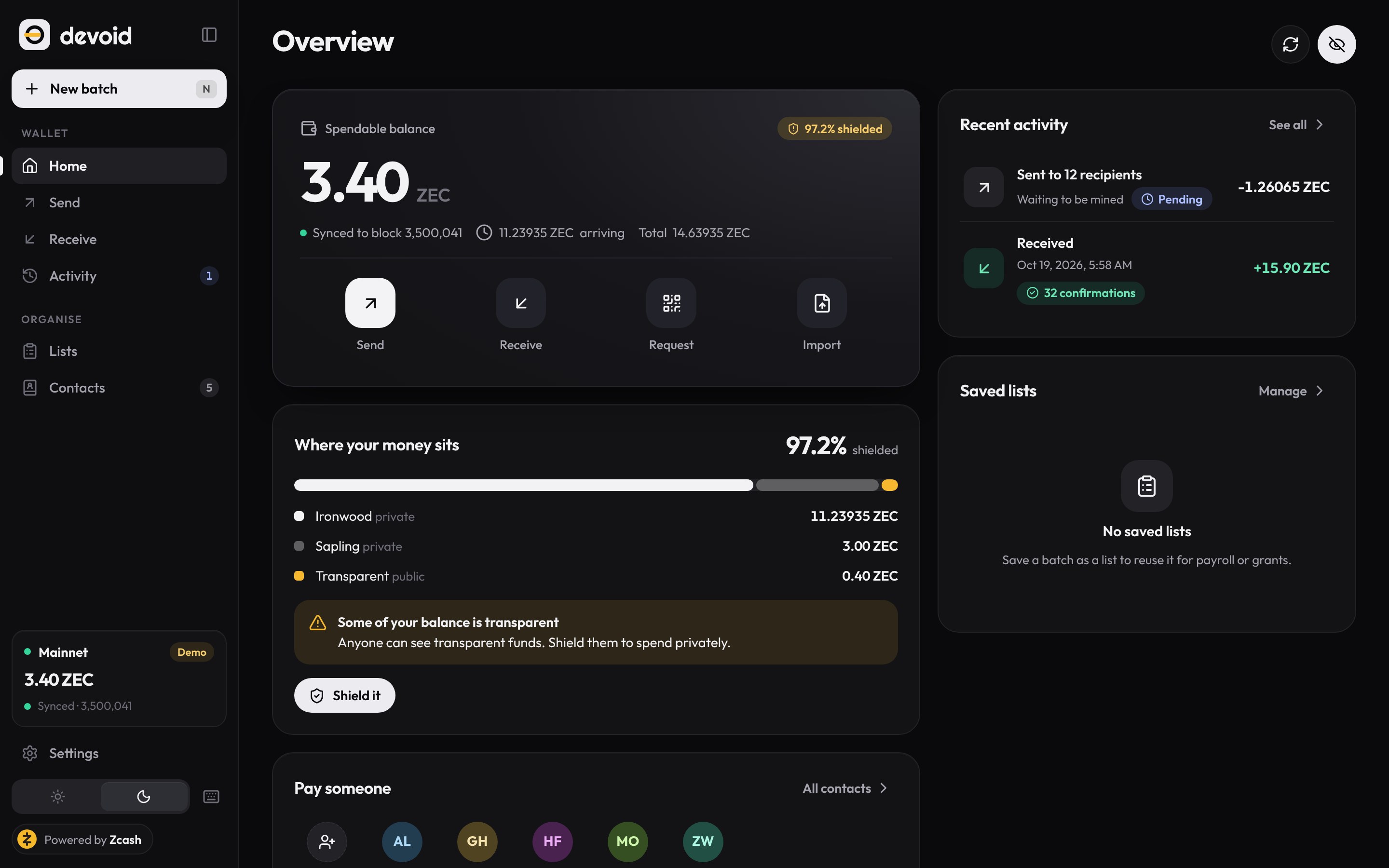
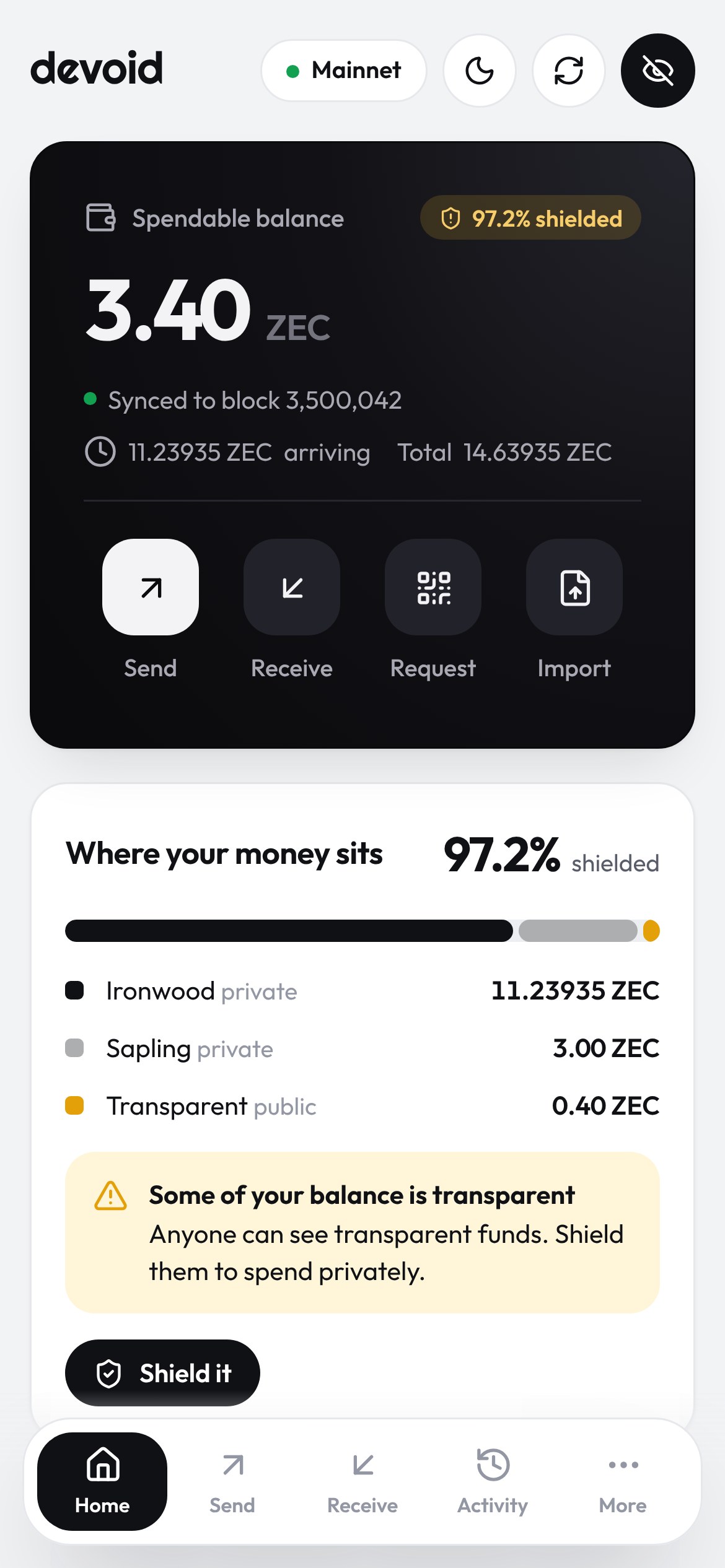
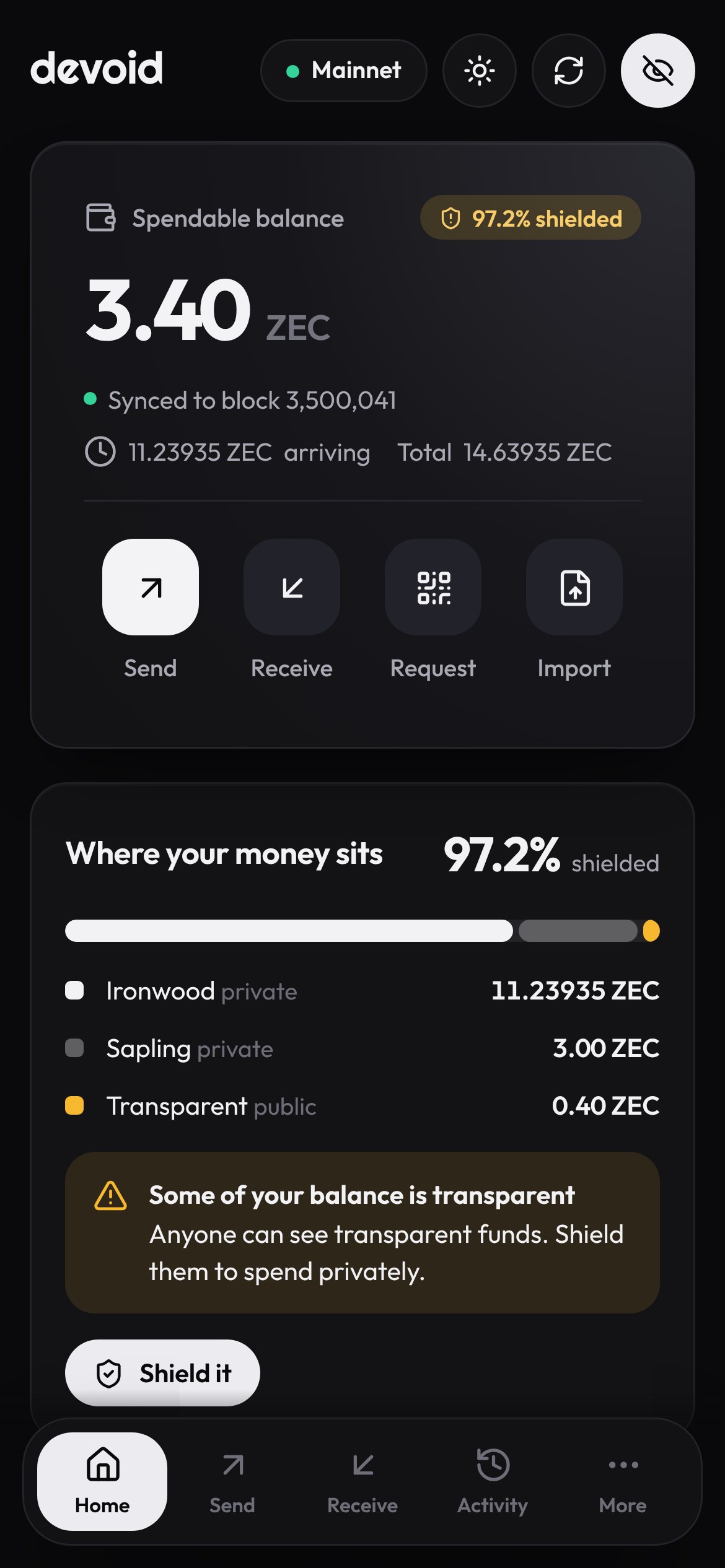
Opens right here, on any phone or computer. The web wallet runs entirely in your browser, on mainnet or the Zcash testnet. Non-custodial either way: keys never leave your device.
What the chain reveals
Zcash shielded transactions conceal payment amounts and recipient details. Transaction fees and output counts are still public, and both offer clues about the size of a payment batch.
The more people you pay at once, the more those patterns can reveal. Devoid uses padding to make the number of recipients harder to determine.
Without padding
4 outputs3 payments + change · fee 0.0002 ZEC
The visible output count offers clues about how many people were paid.
With padding
6 outputs3 payments + change + 2 padding outputs · fee 0.0003 ZEC
The extra outputs obscure the real payment count, making a smaller batch resemble a larger one.
How padding works
Devoid can pad a transaction to 5, 10 or 25 payment slots by adding shielded outputs that carry no value and go to your own wallet. On chain they are indistinguishable from the payments beside them, so a smaller batch resembles a larger one and an observer learns less about the number of recipients.
Each padding output adds one logical action to the ZIP 317 fee, or 5,000 zatoshis. Devoid calculates the total and shows it before you sign. If your batch already fills the selected size, nothing is added and nothing extra is charged.
Padding protects an individual transaction, not your whole payment history. A batch larger than 25 recipients is sent as several transactions, and splitting payments across batches can still reveal patterns about the overall volume.
Verified on the Zcash testnet: a transaction paying three recipients produced six outputs, the same count a five-recipient batch would produce. Transaction 4fbde366… · block 4,536,660.
How it works
Paste rows, import a CSV, or pick people from your contacts and saved lists. Devoid checks every row as you type: the wrong network, duplicates, missing amounts, addresses it cannot read.
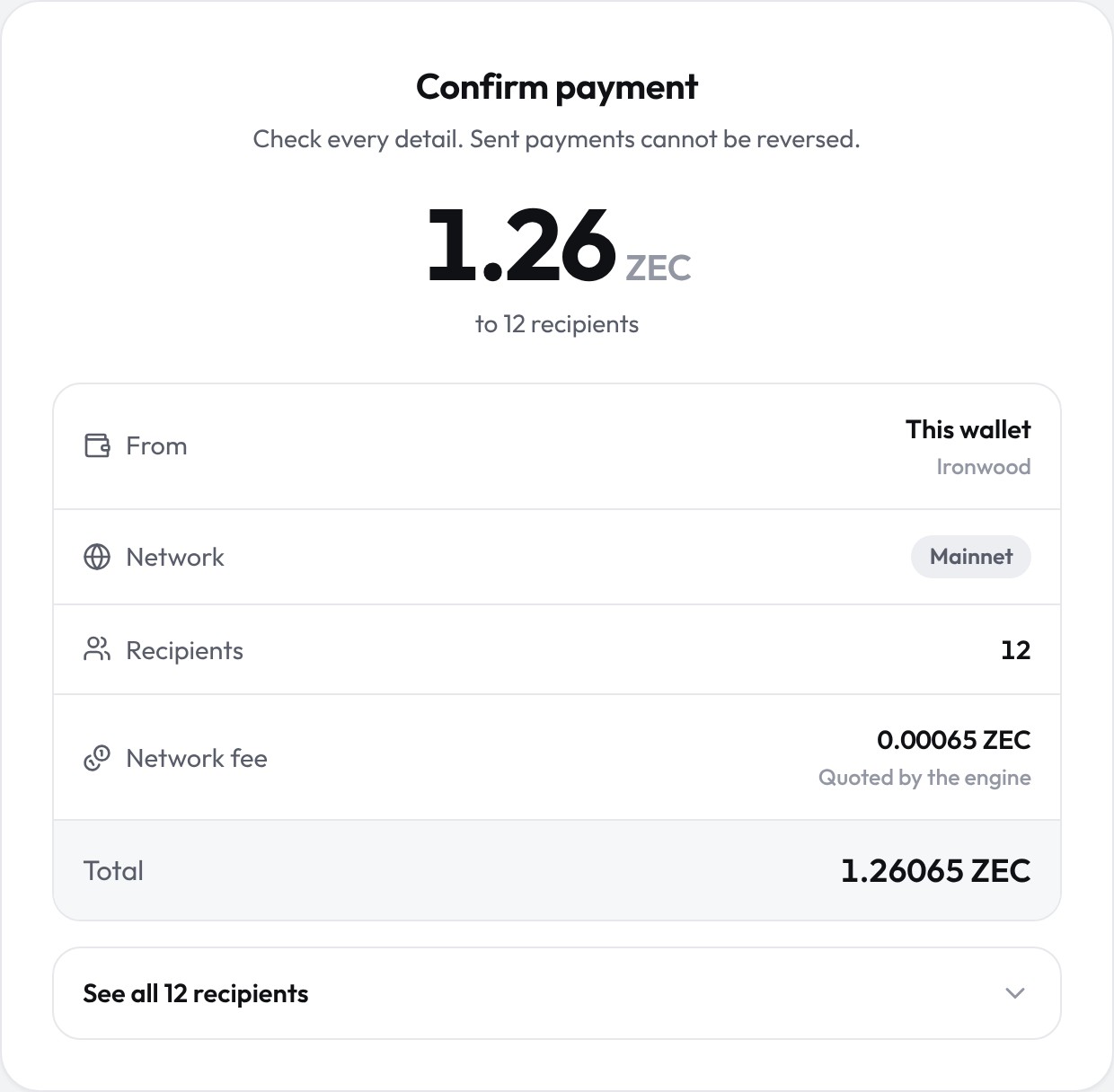
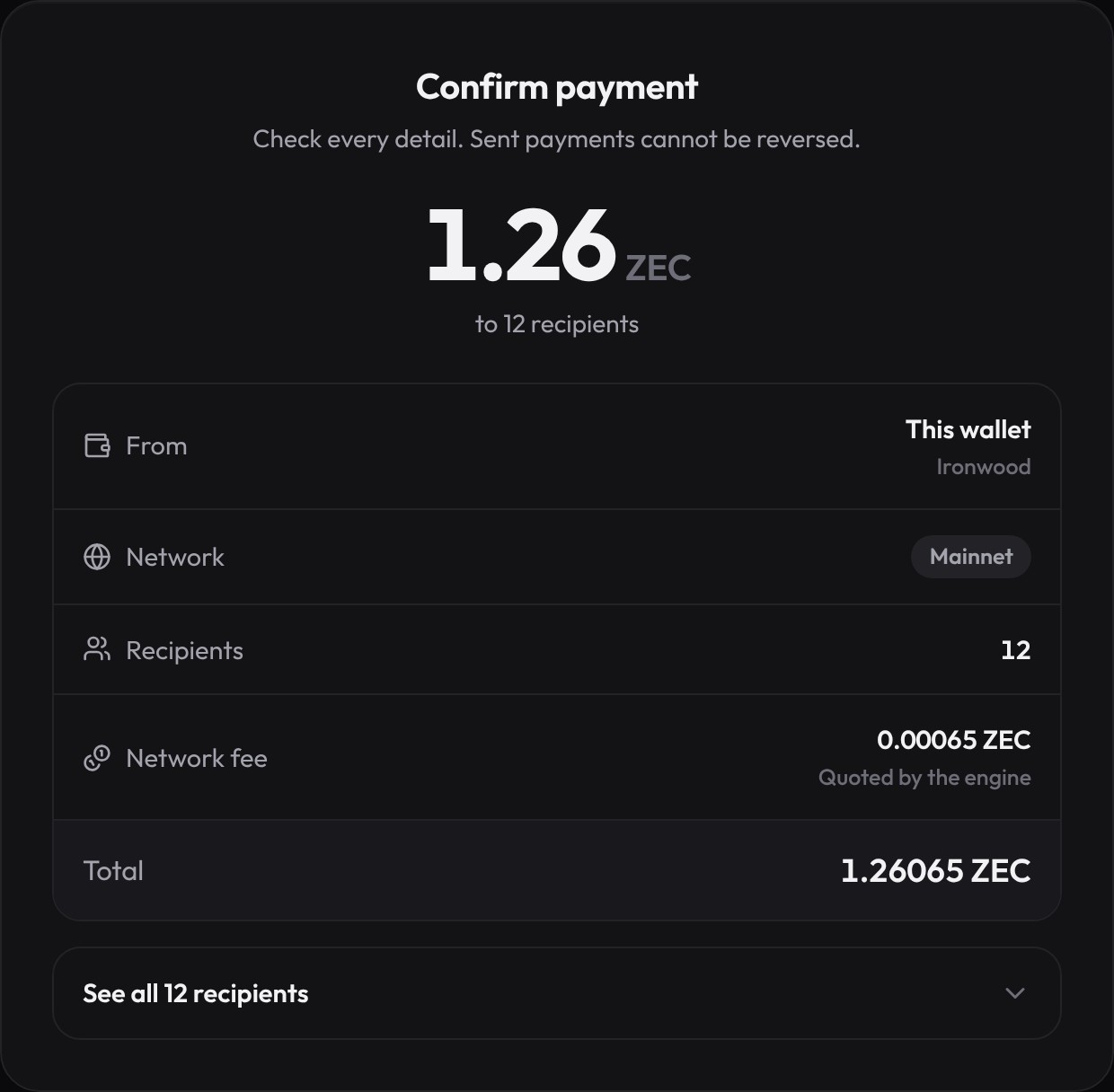
Before you sign you get the total, the fee, what you have left, and a privacy report. Paying a transparent address, or moving money between pools, needs your explicit OK.
Up to 25 people go in each shielded transaction. Longer lists go out in order, each checked against what you reviewed. You get a receipt with every transaction ID.
Features
CSV import with address, amount, memo and label columns. Give everyone the same amount, or split a total evenly to the zatoshi.
Recipient count, total, estimated fee and the balance you will have left, updated as you edit. Short of funds? It says why.
An address book checked against your network, and reusable lists for payroll, grants and DAO payouts.
ZIP 321 links and QR codes with the amount and an encrypted memo filled in, so the payer cannot get it wrong.
Pending, confirmed and expired payments, grouped by day and exportable to CSV. If a long batch stops halfway, the receipt shows who was paid.
Add it to your home screen and it opens in its own window, with no connection needed. Nothing is uploaded to install it: the browser simply keeps the app.
Your face, fingerprint or device PIN instead of typing the passphrase. The device derives the key that decrypts it (WebAuthn PRF): no account, no server, nothing sent anywhere.
Amounts sit behind redaction bars until you choose to show them, which is handy on a screen share.
Privacy and security
The recovery phrase is encrypted with age. Your passphrase unlocks it for one signature at a time and is never stored.
The wallet listens on 127.0.0.1 behind a one-time token, checks Host and Origin, and serves a strict content security policy.
A fingerprint ties the reviewed proposal to the signed one. If anything changes in between, the send is refused.
No analytics and no third-party scripts. Fonts and icons ship with the app; the only server it talks to is the Zcash node you choose.
Connect directly, through the built-in Tor client, or through your own SOCKS5 proxy.
Testnet and mainnet look different on every screen, and the simulated demo engine is always labelled as such.
Where it stands
Devoid only claims what has been checked. Here is the honest list.
Install it
The wallet is a web app you can add to your home screen. It opens in its own window and works with no connection. Installing uploads nothing — the browser just keeps a copy of the app. Your wallet stays where it already is, in this browser.
On Android, Chrome and Edge the wallet offers to install itself. On an iPhone or iPad, open it in Safari and choose Share, then “Add to Home Screen”.
The extension and the store apps will run the same engine under the same rule: your keys never leave your device.
Get started
No computer needed: open the web wallet on your phone, as a mainnet or testnet wallet, or a demo. To run it yourself, the demo needs nothing but Node 20; build the Rust engine when you want real Zcash.
# get the code
git clone https://github.com/davebrian259-tech/Devoid.git
cd Devoid

# try it on the simulated chain
node server/index.mjs --demo

# real Zcash: build the engine (Rust 1.88+), then run
npm run engine:build
node server/index.mjs
Linux, macOS, or Windows through WSL. The server prints a private link; open it in your browser.